
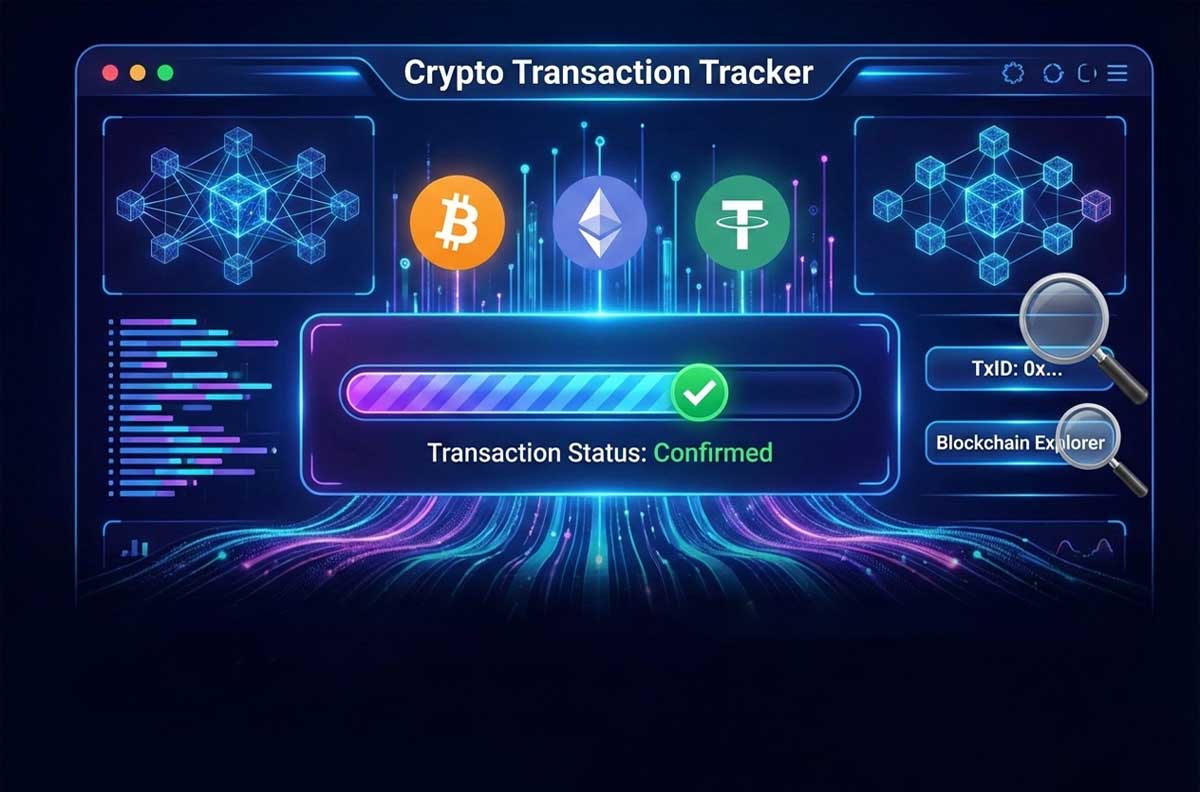
Tracking crypto transaction is a fundamental skill for anyone actively involved in the crypto space. When you use a cryptocurrency payment gateway, knowing the correct methods to follow up and check the status of your transactions can save you from numerous problems and confusion.
Sending digital assets can be stressful. Unlike a bank transfer, there is no customer support hotline to call if a crypto transaction stalls. Once you hit “send,” the funds move to an immutable ledger, and the responsibility to monitor them falls entirely on you.
Whether you are a merchant using a payment gateway or an individual trader, you must know how to verify your payments. This guide transforms you from a novice into an expert capable of tracking any crypto transaction across the blockchain network with precision.
Why You Must Track Every Crypto Transaction
When you send or receive cryptocurrency payments, accuracy is everything. Unlike traditional banking, crypto transactions are irreversible. If you pay for a product or service and it doesn’t activate, the only way to resolve the issue is by tracking the transaction.
By mastering transaction tracking, you:
- Confirm whether funds reached the recipient.
- Diagnose issues like wrong networks or missing confirmations.
- Protect yourself against fraud and errors.
Essential Tools for Crypto Transaction Tracking
To effectively track cryptocurrency transactions, having the right tools and knowing how to use them is crucial. These tools provide a wide range of information, from complete transaction details to their status on the blockchain network. By familiarizing yourself with these tools, you can easily trace any transaction and ensure its accuracy.
Blockchain Explorers
Blockchain explorers are tools that allow you to view and examine transactions recorded on the blockchain. Each cryptocurrency has its dedicated explorers: for Bitcoin, use Blockchain.com and BTC.com; for Ethereum, use Etherscan.io; for Tether, use USDT Tracker; and for Binance Coin, use BscScan.com. Simply enter the transaction hash or wallet address into the search bar.
| Cryptocurrency | Network Standard | Recommended Explorer |
| Bitcoin (BTC) | Bitcoin Network | Blockchain.com / BTC.com |
| Ethereum (ETH) | ERC-20 | Etherscan.io |
| Tether (USDT) | TRC-20 (Tron) | Tronscan.org |
| Binance Coin (BNB) | BEP-20 (BSC) | BscScan.com |
Payment Gateway Dashboards
Most crypto payment gateways provide users with a dashboard to view transaction history and their statuses. In these dashboards, you can typically see the transaction time, amount sent, sender and receiver addresses, confirmation status, and fees paid.
Step-by-Step Crypto Transaction Tracking Method
Tracking crypto transaction is a systematic and repeatable process. By following the correct steps, you can achieve accurate and reliable results. This process begins with gathering initial information and concludes with the final interpretation of the transaction status. Let’s explore each of these steps in detail.

Step 1: Gather Crypto Transaction Information
Before taking any action, collect the key transaction details: transaction hash (unique identifier), sender and receiver wallet addresses, amount of crypto sent, date and time of transaction, type of cryptocurrency, and the network used (e.g., ERC-20, TRC-20, or BEP-20 for Tether).
Step 2: Check Crypto Transaction Status on a Blockchain Explorer
Choose the appropriate blockchain explorer for the cryptocurrency and network you are using. Enter the transaction hash into the search bar and review the displayed information. It’s important to know if the transaction has been recorded on the blockchain, how many confirmations it has, and if it was sent to the correct address.
Step 3: Interpret the Crypto Transaction Status
After searching on a blockchain explorer, you will encounter one of these statuses:
Confirmed Transaction
If the transaction has received the minimum required number of confirmations (usually between 1 to 6), it is considered confirmed. In this case, the transfer has been successful, and the recipient should have received the funds.
Pending Transaction
The transaction has been registered on the network but has not yet reached the required number of confirmations. You will need to wait for the confirmation process to complete. The waiting time depends on network congestion and the fee paid.
Transaction Not Found
If the transaction is not found, you might have entered the transaction hash incorrectly, the transaction may not have propagated across the network yet, it might have been rejected by the network, or you might be using the wrong blockchain explorer.
Troubleshooting: Why Is My Crypto Transaction Stuck?
In the process of tracking crypto transaction, users often encounter challenges. Recognizing these issues and knowing the appropriate solutions can save a lot of time and reduce the stress associated with an uncertain transaction status. These problems often stem from technical factors, user errors, or network limitations and can be resolved with the right approach.
The “Pending” Problem (Network Congestion)
If your status remains “Pending” for hours, the network is likely congested.
-
The Cause: High traffic means miners prioritize transactions with higher fees.
-
The Fix: If you set a low fee, you must wait. In some non-custodial wallets, you can use the “Replace-by-Fee” (RBF) feature to bump up the fee and speed up the confirmation.
Funds Confirmed but Not Received
The explorer says “Success,” but the recipient’s wallet is empty.
-
The Cause: This is often an interface delay on the recipient’s exchange or a network mismatch (e.g., sending USDT via ERC-20 to a TRC-20 address).
-
The Fix: Refresh the receiving wallet. If the networks were mismatched, contact the receiving platform’s support immediately with your TXID.
Amount Discrepancies
You sent $100, but the recipient got $98.
-
The Cause: Network fees (Gas) and gateway processing fees are deducted from the total.
-
The Fix: Always account for “Gas Limits” and gateway fees before hitting send. Review the fee breakdown in your payment gateway dashboard.
Transaction Not Found on Blockchain Explorer
Occasionally, a transaction might not be found on a blockchain explorer, which can have various reasons.
- The Cause: The transaction hash might have been entered incorrectly, the transaction may not have propagated across the network yet, it could have been rejected by the network due to insufficient fees, or you might be using an unsuitable blockchain explorer.
- The Fix: To solve this, copy and paste the transaction hash precisely, use a blockchain explorer appropriate for the type of cryptocurrency and network, and if the transaction was recent, wait a few minutes for it to propagate through the network.
Advanced Tips for Crypto Transaction Tracking
For professional users and businesses dealing with a high volume of crypto transaction regularly, mastering advanced tracking techniques can significantly boost efficiency and accuracy. These tips include using automation tools, gaining a deeper understanding of blockchain concepts, and leveraging specialized features of blockchain explorers, allowing for smarter and more effective transaction tracking.
Utilizing Blockchain Explorer APIs
If you frequently need to track crypto transaction or run a cryptocurrency-based business, using blockchain explorer APIs can automate the tracking process.
Importance of Confirmation Count
The number of confirmations required for crypto transaction finality varies across different networks: Bitcoin typically requires 6 confirmations, Ethereum usually 12-30 confirmations, Tether (TRC-20) typically 19 confirmations, and Ripple offers instant confirmation. The higher the value of the crypto transaction, the more reasonable it is to wait for more confirmations.

Learn More: Direct Crypto Payment Gateways Without Intermediaries
Conclusion
Tracking crypto transaction is an essential skill for every active user. By understanding the correct tracking methods, you can stay informed about payment statuses, diagnose the causes of issues, have the necessary documentation for follow-ups, and ensure the security of your transactions.
Remember that even experienced users sometimes encounter transaction-related problems, so be patient and use reliable resources for information. As you gain more experience in this field, tracking transactions will become a simple and routine process for you.
CoinPay: Your Go-To for Setting Up Crypto Payment Gateways

One response to “Crypto Transaction Tracking: A Complete Guide to Payment Gateway Monitoring”
[…] Learn More: How to Track Transactions on a Cryptocurrency Payment Gateway […]