
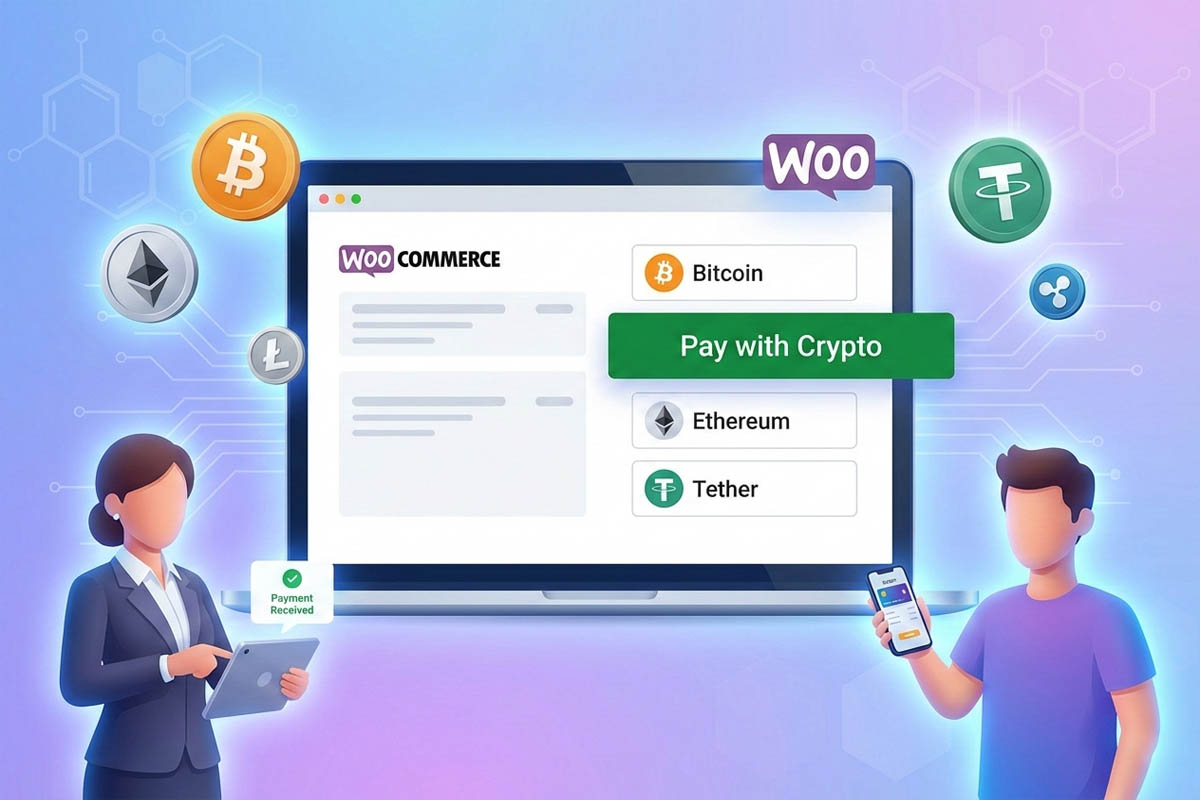
CoinPay WooCommerce Crypto Payment Gateway: Enable Crypto Payments for Your Online Store
E‑commerce is evolving fast, and WooCommerce remains one of the most powerful WordPress plugins for building online stores. To stay competitive and attract global customers, businesses are now integrating WooCommerce crypto payment gateways. CoinPay makes this simple by enabling secure, instant, and borderless digital currency transactions directly on your store.
How the WooCommerce Crypto Payment Gateway Works
When customers reach checkout, they can choose to pay with Bitcoin, Ethereum, Tether (USDT), or over 50 other cryptocurrencies. The WooCommerce cryptocurrency plugin communicates with CoinPay’s gateway to generate transaction details. Shoppers then complete payment using their digital wallets (e.g., MetaMask or Trust Wallet). Crypto payment gateway monitors the transactions:
- The blockchain verifies the transaction in real time.
- Funds are settled directly into the merchant’s wallet or converted instantly into fiat currency (USD, Rial, etc.).
- Sellers retain full control, choosing whether to hold crypto or receive fiat payouts.
This seamless process ensures fast, secure, and transparent payments without the delays of traditional banking.
Steps to Set Up CoinPay WooCommerce Crypto Payment Gateway
Getting started with CoinPay is straightforward. Here’s how to integrate the crypto merchant solution into your WooCommerce store:
- Create a free CoinPay account and complete KYC verification.
- Download and activate the CoinPay plugin in your WordPress dashboard.
- Configure wallet addresses for Bitcoin, Ethereum, and other supported coins.
- Set payment preferences including accepted currencies, exchange rates, and security options.
- Run a test transaction to confirm successful integration and fund reception.
CoinPay’s robust API and documentation make onboarding quick, even for non‑technical users.
Benefits of Using CoinPay WooCommerce Crypto Gateway
CoinPay empowers online businesses with features designed to maximize conversions and reduce costs:
- Accept multiple cryptocurrencies: Bitcoin, Ethereum, Tether, and 50+ altcoins.
- Lower transaction fees: Save compared to credit card and bank transfer charges.
- High security: SSL encryption, 2FA, and blockchain immutability protect every payment.
- Instant settlement: No waiting for bank approvals—funds arrive immediately.
- Global reach: Borderless payments attract international customers.
- Flexible customization: APIs and SDKs allow seamless integration with WooCommerce and custom apps.
Why CoinPay Is the Best WooCommerce Crypto Payment Gateway
CoinPay stands out by offering multilingual support, real‑time exchange rates, and direct wallet transfers. Merchants avoid third‑party intermediaries and maintain full control of their assets.
Additional advantages include:
- 24/7 customer support for merchants worldwide.
- Advanced business dashboard for monitoring transactions.
- Webhook notifications for real‑time payment updates.
- Compliance with KYC/AML standards to ensure regulatory security.
In a Nutshell
By integrating CoinPay’s WooCommerce crypto payment gateway, you unlock secure, fast, and cost‑effective digital currency payments. Whether you want to accept Bitcoin, Ethereum, or stablecoins like USDT, CoinPay helps you expand globally, reduce fees, and deliver a frictionless checkout experience.
👉 Sign up free with CoinPay today, connect your WooCommerce store, and start accepting crypto payments instantly.
Learn More: The Advantages of Localized Crypto Payment Gateways
Frequently Asked Questions
Does CoinPay provide adequate security for online payments?
Yes, CoinPay utilizes SSL encryption, two-factor authentication (2FA), and protocols adhering to global AML/KYC standards.
What are the fees for using CoinPay?
CoinPay has varying fees depending on the payment method and the cryptocurrency used.
Is it possible to convert cryptocurrencies to fiat currency?
Yes, using CoinPay’s tools, you can automatically convert received cryptocurrencies to fiat currency like Rial or USD.